Common Digital Signature USB Token Errors
Digital Signature Certificates in India are securely stored on hardware crypto tokens complying with FIPS 140-2 Level 2/3 security standards. However, operating system updates (notably Windows 11), conflicting browser extensions, and outdated driver utilities often cause frustrating errors when professionals try to sign MCA, GST, Income Tax, or EPFO portals.
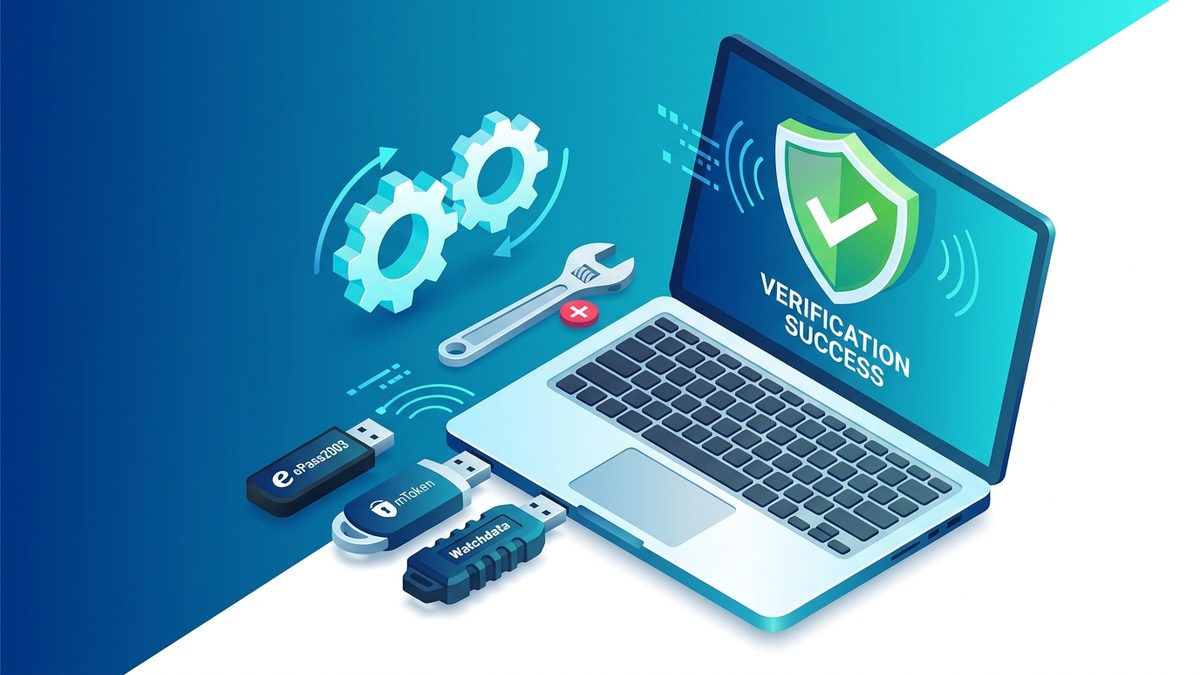
Below are step-by-step diagnostic solutions for the most popular token models: ePass2003, Watchdata ProxKey, and mToken CryptoID.
Issue 1: Token Inserted But Not Detected by Browser
When the portal displays "Please connect your DSC token" despite the USB drive being plugged in, apply these fixes in order:
- Check Smart Card Service: Press
Win + R, typeservices.msc, locate the Smart Card service, and ensure its startup type is set to Automatic and status is Running. - Reinstall Dedicated Middleware: Open your token management software (e.g., ePass2003 Token Manager). If certificates do not list inside the application, uninstall the driver, restart the computer, and install the latest CSP build from the manufacturer website.
- Switch USB Ports: Connect the token directly to the rear motherboard USB port rather than external unpowered USB hubs.
Issue 2: PIN Blocked or Initialization Failure
Tokens enforce strict hardware PIN retry limits to protect private keys against brute force attacks. If your token displays "User PIN has been locked":
- Open the Token Management Tool as Administrator.
- Select Administrator Login or Unlock Token.
- Enter the manufacturer Admin PIN (default PUK codes are provided during purchase).
- Set a new User PIN containing 8 to 16 alphanumeric characters.