Introduction to MCA V3 DSC Registration
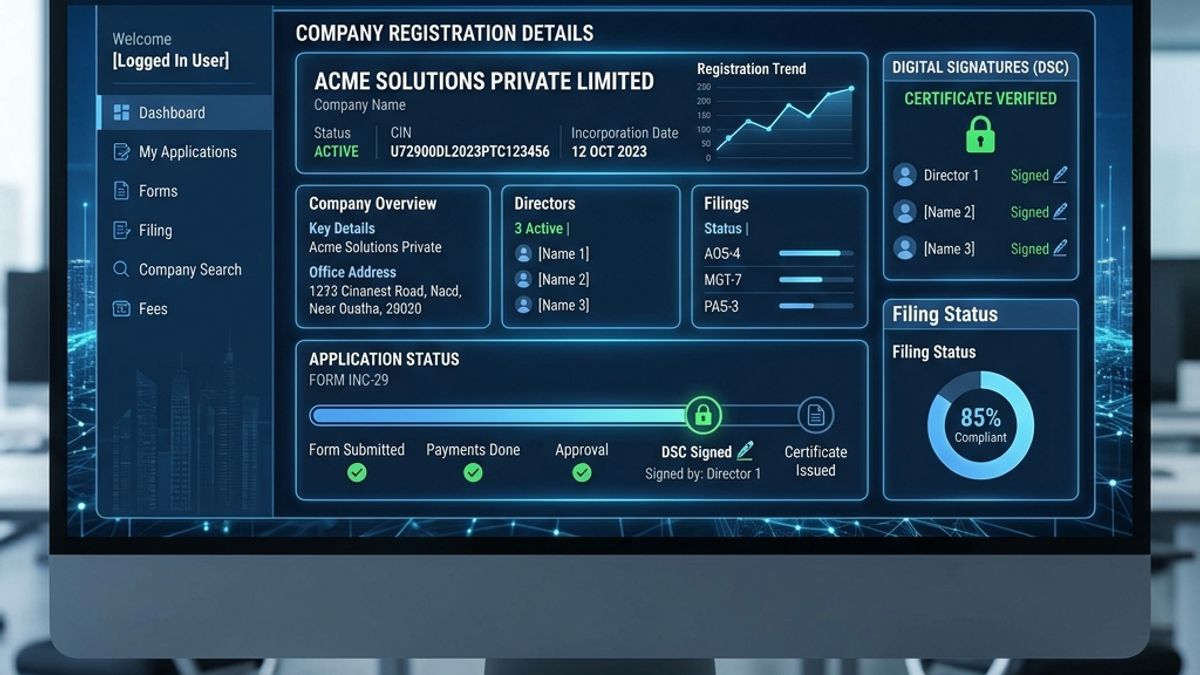
The Ministry of Corporate Affairs (MCA) migrated company and LLP filings to the V3 portal to increase security and compliance. Central to this change is a stricter verification process for Digital Signature Certificates (DSC). If you are a Managing Director, Director, or authorized signatory, your Class 3 DSC must be successfully registered and linked to your V3 login profile before you can sign any WebForms.
Pre-requisites for Linking DSC
Before attempting to link your DSC, make sure you have the following ready:
- A valid Class 3 Individual or Organisation DSC (USB token)
- The latest eToken drivers installed on your system
- The **emBridge** client service downloaded from the MCA portal and running on your computer
- Windows 10/11 operating system with Google Chrome or Microsoft Edge browser
Step-by-Step Registration Process
Follow these steps to link your DSC to your MCA V3 account:
- Log in to the MCA portal (mca.gov.in) with your V3 user credentials.
- Navigate to User Category and select Register DSC from the dashboard.
- Select your user role (e.g. Director, Professional, etc.) and enter your DIN or PAN.
- Plug in your USB token and make sure the emBridge service is running in your taskbar.
- Click Select Certificate, choose your certificate from the popup, and enter your token PIN.
- Click Submit. A confirmation message will appear once the DSC is successfully mapped.
💡 Note: The name on your DSC must match the name on your PAN card and the director master data on MCA exactly. Even minor spacing differences can cause the registration to fail.