GST Portal DSC Registration
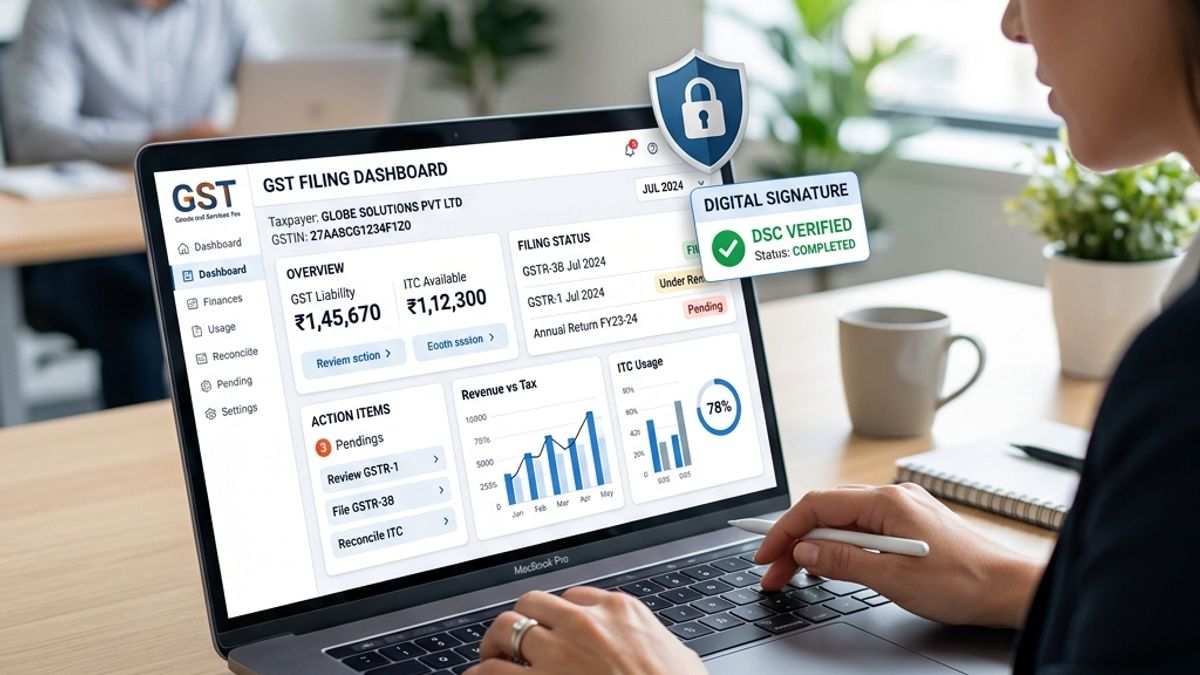
Filing GST returns or registering a new entity requires secure authorization. While proprietorships can file returns using OTP (EVC), companies and LLPs are legally mandated to sign GST returns using a Class 3 Digital Signature Certificate. Linking your DSC on the GST common portal is a one-time configuration that enables secure, tamper-proof tax filing.
Configuring Your System for GST DSC
To use your DSC on the GST portal, you must configure the **emSigner** utility, which bridges your USB token with the web browser:
- Download the latest version of emSigner GST from the GST portal's help section.
- Run the installer as an Administrator and start the service.
- In your browser, ensure that local connection protocols are allowed.
- Plug in your USB token and navigate to the GST portal register page.